

Pattern Mapping Replacer Goes Live
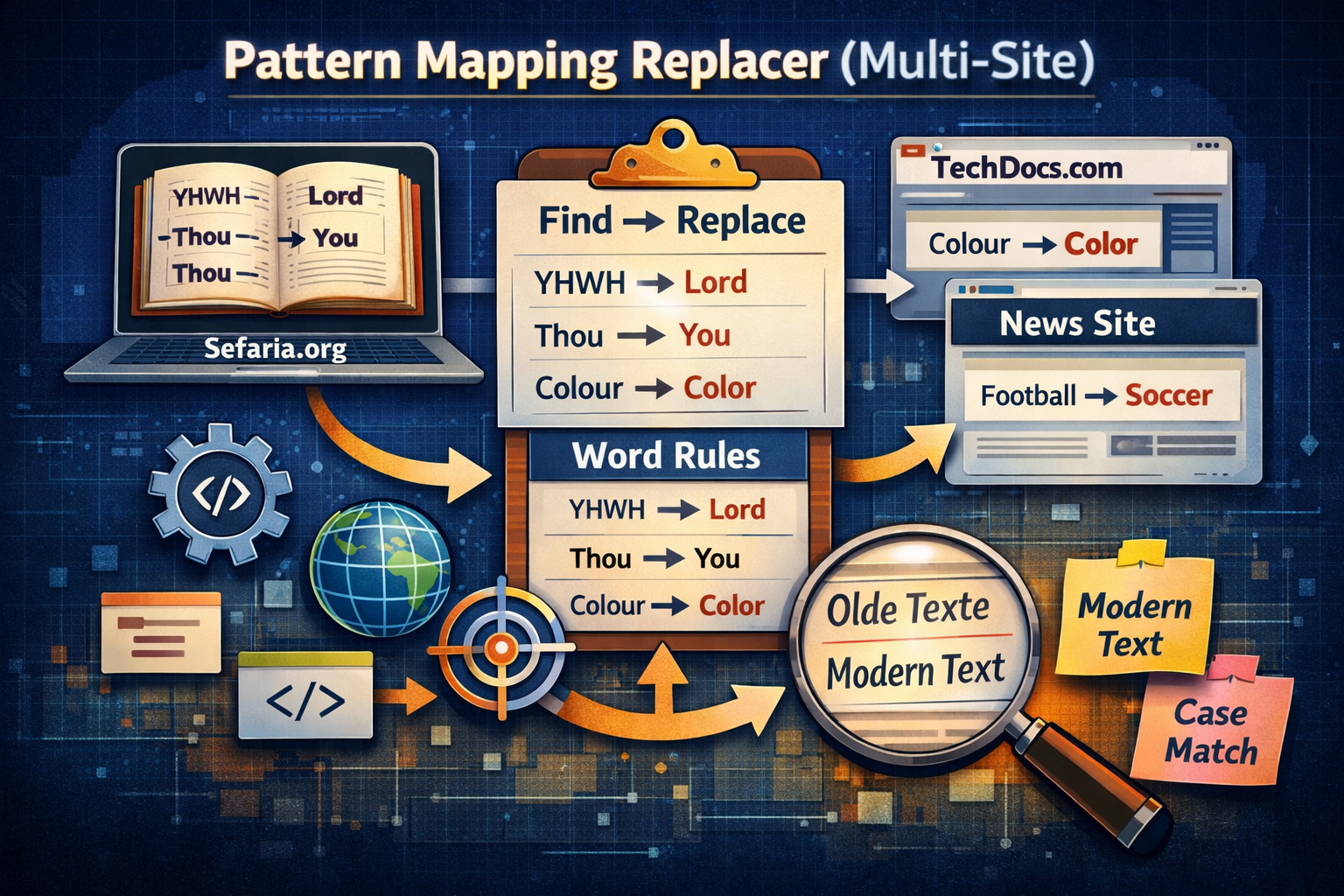
Today I pushed out something I built out of pure necessity that turned into something way more flexible than I originally planned. It’s called Pattern Mapping Replacer (Multi-Site), and you can grab it here: greasyfork.org/en/scripts/570553-pattern-mapping-replacer-multi-site. What started as me trying to “fix” a Bible translation I liked has turned into a general-purpose text rewriting engine that works across multiple websites.
The original problem was simple: I found a really solid translation of the Bible over at sefaria.org, but parts of it felt inconsistent. Some words weren’t translated at all, others felt archaic or just not how I’d naturally read them. Instead of settling or manually correcting things in my head every time I read, I decided to make the browser do the work for me.
That’s where this script came in.
    // 1. Define your site lists as variables
    const bibleSites = ["sefaria.org", "chabad.org", "biblegateway.com"];
    const allSites = [];

    /**
     * MAPPING CONFIGURATION
     */
    const mapping = {
        // 2. Use the variable name instead of typing the array
        "The Lord": [true, bibleSites, "Yahweh"],
        "the Lord": [false, bibleSites, "Yahweh"],
        "THE LORD": [false, bibleSites, "Yahweh"],
        "thou": [false, allSites, "you"],
        "shalt": [false, allSites, "shall"],
        "hallow": [false, bibleSites, "sanctify"],
        "candlestick": [false, bibleSites, "menorah"],
        "didst": [false, bibleSites, "did"],
        "God": [false, bibleSites, "Elohim"],
        "thereat": [false, bibleSites, "there"]
    };
At its core, Pattern Mapping Replacer lets you define mappings — essentially “find this, replace it with that” — but it goes a lot further than a basic find/replace. It’s designed to be structured, reusable, and most importantly, scoped. That means you’re not just blasting replacements across the entire internet unless you want to.
One of the biggest strengths here is multi-site support. You can define completely different replacement sets depending on the website you’re on. So what you do on sefaria.org stays on sefaria.org, while another site can have its own completely separate logic. That separation matters more than you’d think once you start customizing multiple sources.
There’s also targeted site matching, which gives you precise control over where rules apply. You’re not stuck with global behavior unless that’s your goal. You can dial things in so tightly that only specific domains, or even patterns within them, get modified.
Another thing I made sure to handle properly is case sensitivity. A lot of scripts get this wrong or just ignore it entirely. This one supports exact case matching, so if you care about preserving capitalization rules — and you should if you want things to look natural — it won’t butcher your text. “God” stays “God” unless you explicitly say otherwise, and “god” can be treated differently if needed.
While my personal use case was Bible reading, the script itself isn’t tied to that at all. You can use it for:
- Modernizing outdated language across older websites
- Fixing inconsistent terminology in documentation
- Replacing slang or phrasing to match your preference
- Creating humor or “antimeme” style rewrites of content
- Standardizing names, terms, or branding across sites
It’s one of those tools where once you start using it, you realize how many small annoyances you can eliminate. Words you don’t like? Gone. Phrases that break immersion? Fixed. Weird translation quirks? Smoothed out instantly.
Under the hood, the script is built to be extendable without being a pain to maintain. You’re not dealing with some fragile one-off hack. You can keep adding mappings, expand site coverage, and refine behavior over time without everything collapsing into a mess.
I released it under the MIT license, mainly because I want people to actually use it, modify it, and build on it. The only thing I really care about is that if someone does take it further, there’s a clear path back to where it started. Not for ego, just for continuity — so improvements don’t get lost in the void.
But licensing aside, the real value here is control. This script gives you control over how you read the web. That’s something we don’t usually get. We’re used to consuming content exactly how it’s presented, even when it’s slightly off from what we want.
This flips that.
If something reads wrong, you don’t have to accept it anymore. You can just change it.
And yeah, for me it started with scripture, but it definitely didn’t end there.
Check it out, tweak it, break it, make it your own:
greasyfork.org/en/scripts/570553-pattern-mapping-replacer-multi-site
Once you start using it, you’ll probably find more uses than you expected.
Bibliography